A Seasonal Rhythm for Kansas Weather

Kansas does not do mild transitions. A Wichita garage can hold summer heat well above the outdoor temperature in August and sit near freezing in January, and the charger lives in all of it. Anchoring your checks to the seasons gives the routine a schedule you will actually keep: a spring pass after storm season begins, a midsummer heat check, a fall pass before the cold arrives, and a winter check once ice and road salt are in the picture.
Summer Heat

Heat is the charger's hardest season. Electronics age faster at high temperatures, and a garage that bakes all afternoon asks the unit to begin its evening session already warm. Keep the area around the charger clear so air can circulate; do not stack storage against the unit or drape anything over it. If your charger offers scheduling, shifting the session to later evening hours lets it run in cooler air — a small kindness that also suits most households' routines. Check that the cable has not been left lying across a hot driveway or in direct sun for long stretches, since ultraviolet exposure and heat together stiffen and crack cable jackets over time.
Winter Ice and Cold
Cold affects the routine differently. Cables grow stiff in freezing temperatures, so handle them without forcing tight bends, and coil them loosely rather than winding them hard around the holster. Keep the connector holstered and off the floor so meltwater, ice, and road salt tracked in by the car stay away from the contacts. If the charger is mounted outdoors or near the garage door, clear ice buildup around it rather than chipping at the unit itself, and never force a frozen connector loose — warm the car and let the connector release normally. Winter is also when sessions run longest, since the car conditions its battery, making it the season when the heat checks below matter most at the connection points.
Cable and Connector Care

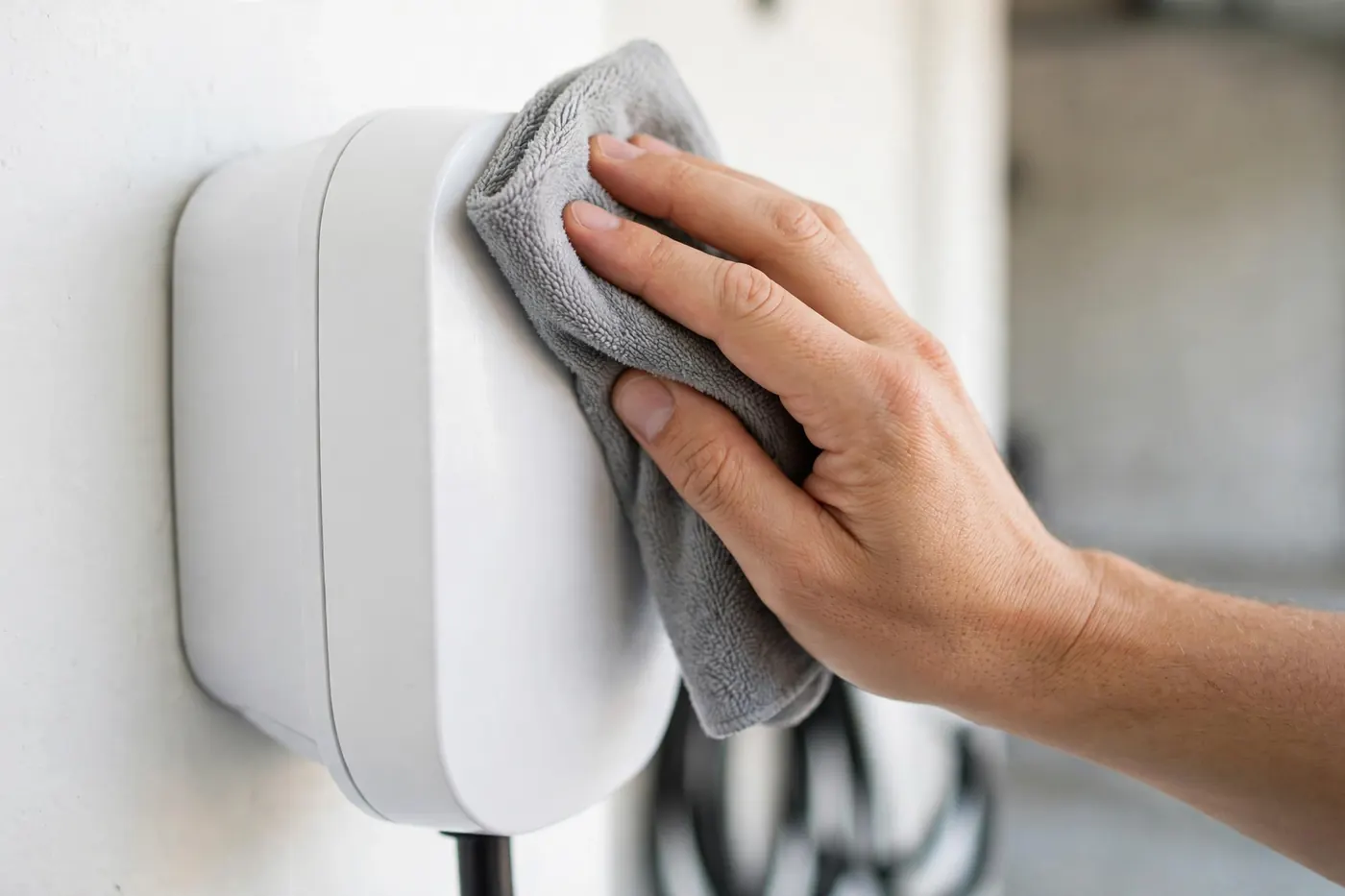
The cable and connector are the parts of the system you touch daily, and they wear accordingly. Coil the cable loosely on its holster or hook after each session rather than leaving it in a pile on the floor, where it becomes a trip hazard, a target for car tires, and a collector of garage grime. Never drive over the cable, close the garage door on it, or let it rest in standing water or against sharp edges.
The connector deserves a monthly glance. Look into the plug face for debris, moisture, or damaged pins, and check that the latch still engages with a positive click when you connect to the car. Keep the contacts clean and dry; a soft, dry cloth is the right tool, and household cleaners, lubricants, and compressed solvents have no place inside the connector. If the cable jacket shows cracking, cuts, or a section that feels noticeably stiffer or softer than the rest, that is wear worth a professional opinion rather than continued daily use — cable damage is one of the clearer triggers for the replacement conversation.
Outlet and Connection Heat Checks

For plug-in chargers connected through an outlet like the one on our NEMA 14-50 outlet installation page, the receptacle is the single most important maintenance point in the system. The reason is duty: as our comparison of NEMA 14-50 and hardwired chargers explains, that outlet carries heavy current for hours every night, and connections that loosen or wear develop heat long before they fail outright.
Build a simple habit: a few times a year, during or just after a charging session, rest the back of your hand near — not pressed on — the plug and outlet face. It should feel no more than mildly warm. A plug that is hot to the touch, an outlet face that is discolored, a faint electrical or melting smell, or a plug that no longer sits firmly in the receptacle are all stop-and-call signs, not watch-and-wait signs. Unplug the charger, leave the circuit alone, and have the connection evaluated. Hardwired installations remove the receptacle from the equation, but the same awareness applies at the unit itself: a housing that runs unusually hot or changes in the unit's normal sounds deserve attention.
Also confirm the plug stays fully seated. A charger cord that hangs with its full weight pulling down on the outlet adds mechanical stress to the connection over time; supporting the cable's weight with the holster placement or a hook is a small installation detail with a long maintenance payoff.
Wi-Fi and Software Upkeep

Networked chargers are part appliance, part computer, and the computer half needs occasional tending. Keep the unit's firmware updated through its app — updates routinely include charging reliability improvements and fixes for connectivity quirks. If you change your home Wi-Fi network name, password, or router, expect to reconnect the charger afterward; a charger that silently drops offline after a router swap is one of the most common and least serious service calls in this category.
Use the app for more than setup. A periodic glance at your session history tells you whether charging completed as expected, and an alert about an interrupted session is often the earliest notice of a developing problem — far earlier than the morning you find the car short on range. If the charger supports notifications, leave them on. This is also where scheduling lives: setting the charging window in the app keeps sessions predictable, which makes anomalies easy to spot.
When to Call for Repair

Maintenance covers care, inspection, and awareness. It does not cover diagnosis or anything inside the unit, the outlet, or the panel. Call for professional help when you see any of the following: heat, discoloration, or odor at any connection; sessions that repeatedly stop early or fail to start; error indicators that persist after a reset; visible damage to the cable, connector, or housing; a breaker that trips during charging; or water intrusion into an outdoor unit. These symptoms, and how the repair-versus-replace decision works once a professional has looked, are covered in our guide to when to replace or upgrade your charger.
Everything else — the seasonal walk-around, the cable habits, the connector glance, the app check — is yours, and it genuinely is enough. Chargers maintained this way tend to deliver the uneventful decade of service they were built for.
Frequently Asked Questions
How often should I inspect my charging cable?
Give the cable a deliberate look a few times a year as part of your seasonal checks, and stay casually aware of it the rest of the time since you handle it daily. You are looking for cracks or cuts in the jacket, sections that feel unusually stiff or soft, and any damage near the connector or the unit where the cable bends most. Damage in any of those places earns a professional evaluation.
What does it mean if the plug feels warm after charging?
Mild warmth at a plug or connector during a long session can be normal, since heavy current produces some heat. Hot is different: a plug too warm to rest your hand on comfortably, warmth paired with discoloration or odor, or a connection that feels loose all indicate a connection problem developing. Stop using that outlet or charger and have it inspected before the next session.
Can I leave my charger plugged in all the time?
Yes. Chargers are designed to remain connected to both the wall and, in most households' routines, to be plugged into the car whenever it is parked. The unit draws only a small standby amount while idle, manages the session itself, and stops when the car is full. Leaving it connected is the normal pattern the equipment was built around, not a shortcut that wears it out.
Should I cover an outdoor charger in winter?
Use only a cover the manufacturer offers or approves for that unit, if any. Chargers rated for outdoor installation are built to shed weather on their own, and an improvised cover can trap moisture against the housing and cable — the opposite of protection. Your better winter moves are keeping the connector holstered, clearing ice from around rather than off the unit, and keeping the cable off frozen ground.
Why does my charger keep dropping its Wi-Fi connection?
The usual causes are mundane: the garage sits at the edge of the router's range, the router or network settings changed, or the unit needs a firmware update or a fresh network setup in its app. Try reconnecting it through the app first, and consider whether other devices in the garage also struggle — if they do, the network is the issue rather than the charger. Persistent drops after those steps are worth mentioning at a service visit, but they rarely affect the charger's ability to charge.
A Small Routine, a Long Service Life

Charger maintenance is a handful of habits: seasonal walk-arounds tuned to Kansas heat and ice, a loosely coiled cable and clean connector, a hand near the outlet a few times a year, and an app kept connected and updated. That program is enough to carry a well-installed unit through years of Wichita driving. If you are planning a new installation, see our services and locations; for more guides, visit the blog. And if a check ever turns up heat, damage, or repeated faults, reach out through our contact page and we will connect you with a local professional.